How Rainmaker works, screen by screen
A guided tour of every screen in the order you use it: buyer segments, verified leads, drafts with a receipt on every claim, approvals, the inbox, meetings and billing.
Rainmaker turns your website into booked meetings in one sequence: it reads your site, works out who buys from you, finds and scores contactable leads, drafts outreach where every factual sentence cites a source, and waits for you to approve before anything is sent.
This tour shows each screen in that order. The screenshots come from a demo workspace with made-up companies and people, never a real prospect. Prefer video? The full walkthrough is on the tutorial page.
When you are ready to do it yourself, start with how to run a prospecting campaign.
Every screen, in the order you use it
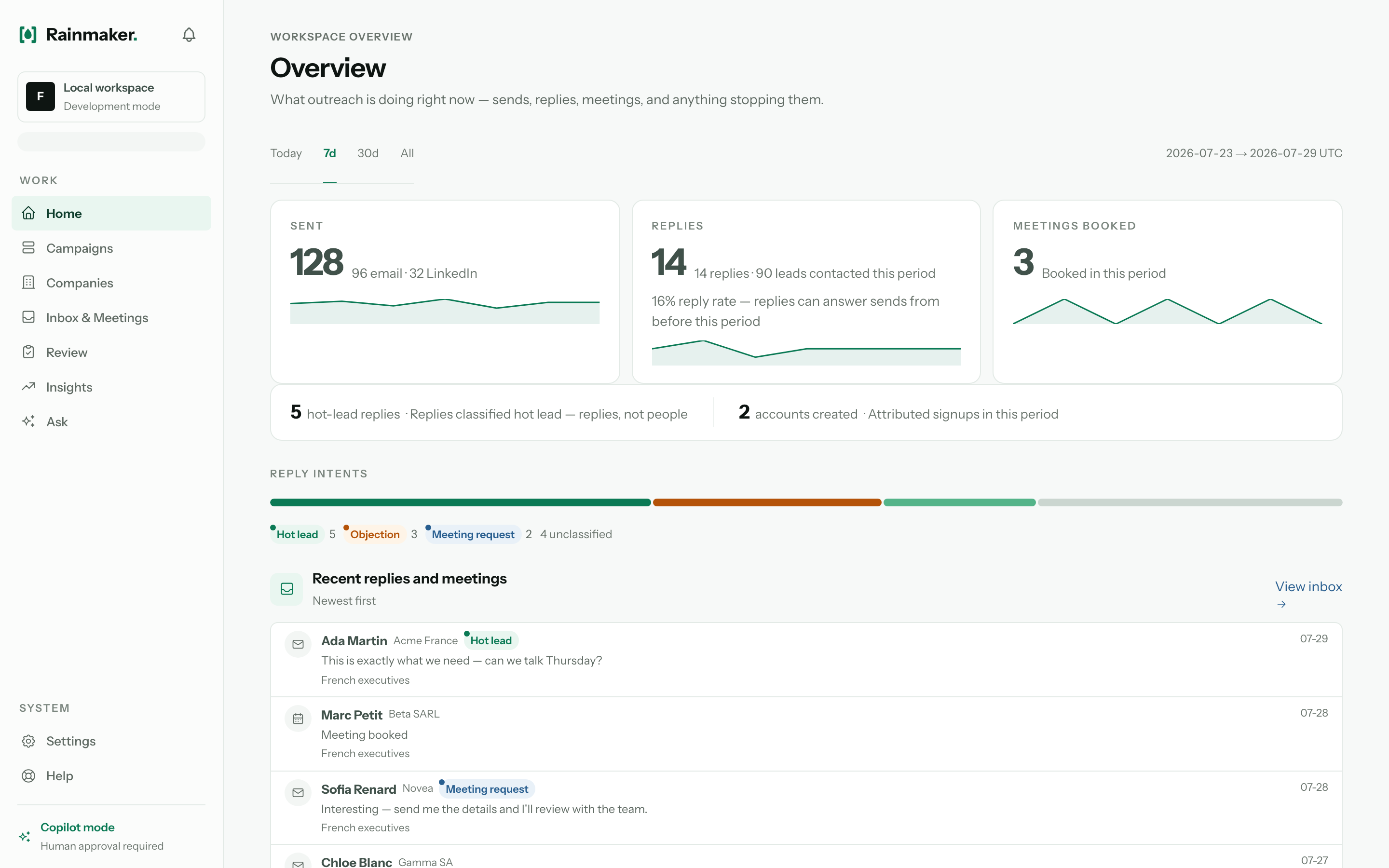
One screen for the whole operation
Sends, replies, and meetings booked in a single view, including a campaign that has quietly paused itself, so nothing runs on unattended.
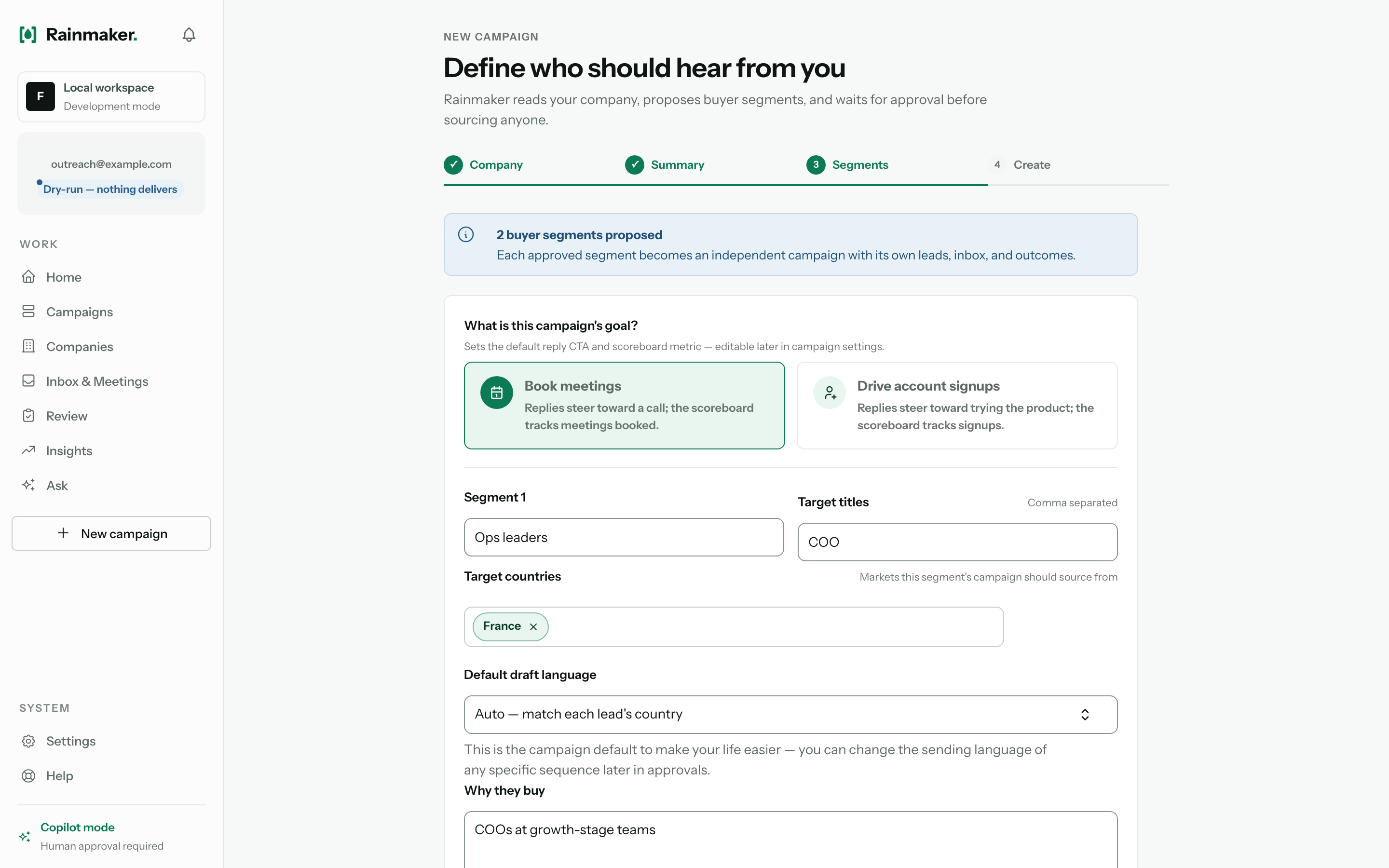
Buyer segments built from your site
Paste a URL and Rainmaker models who actually buys from you (pains, triggers, and disqualifiers), not a lookalike or a title filter.
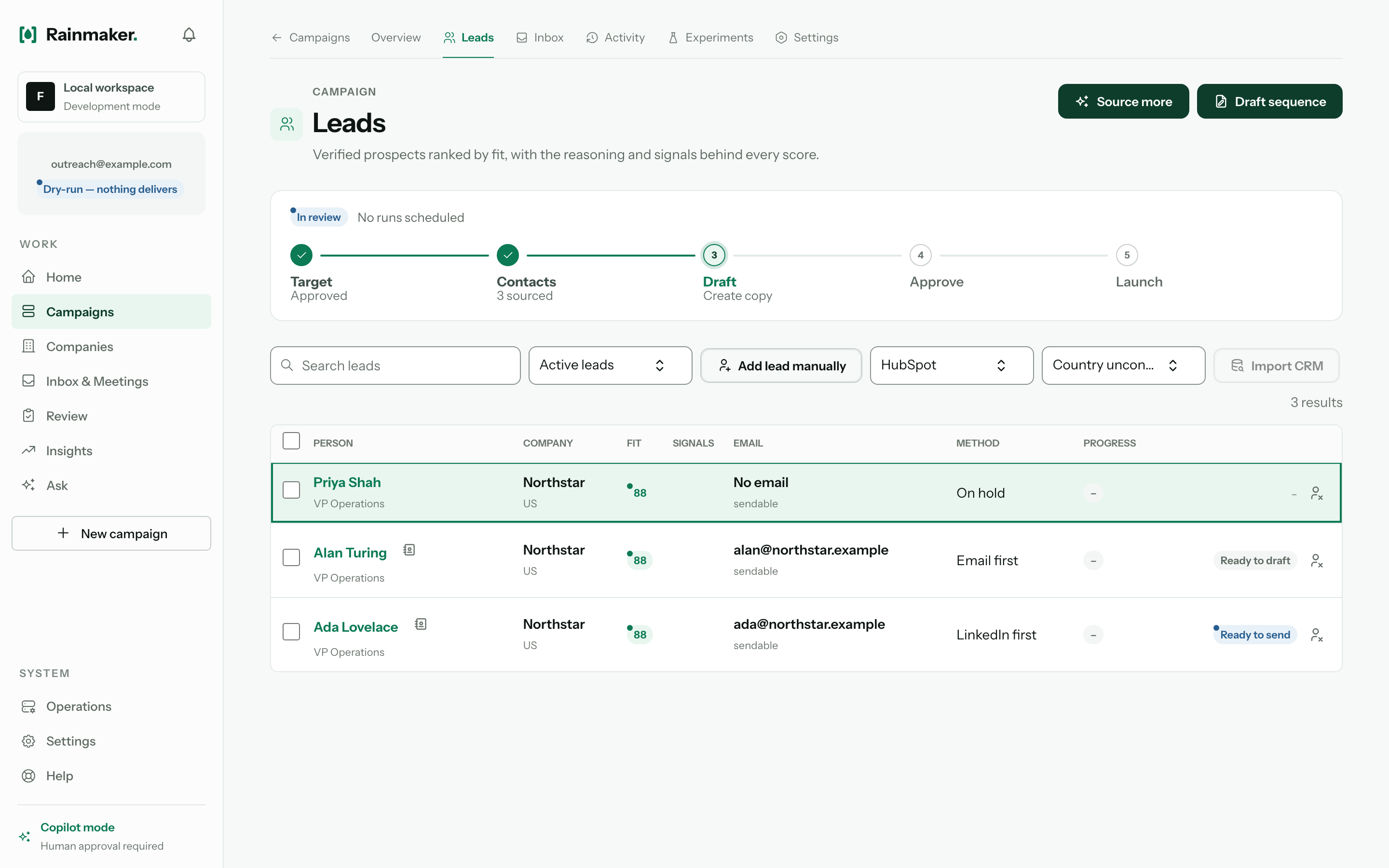
Verified leads, ranked by fit
Every prospect is contactable and scored, with the method and progress shown. Nothing is sent to an address that was never verified.
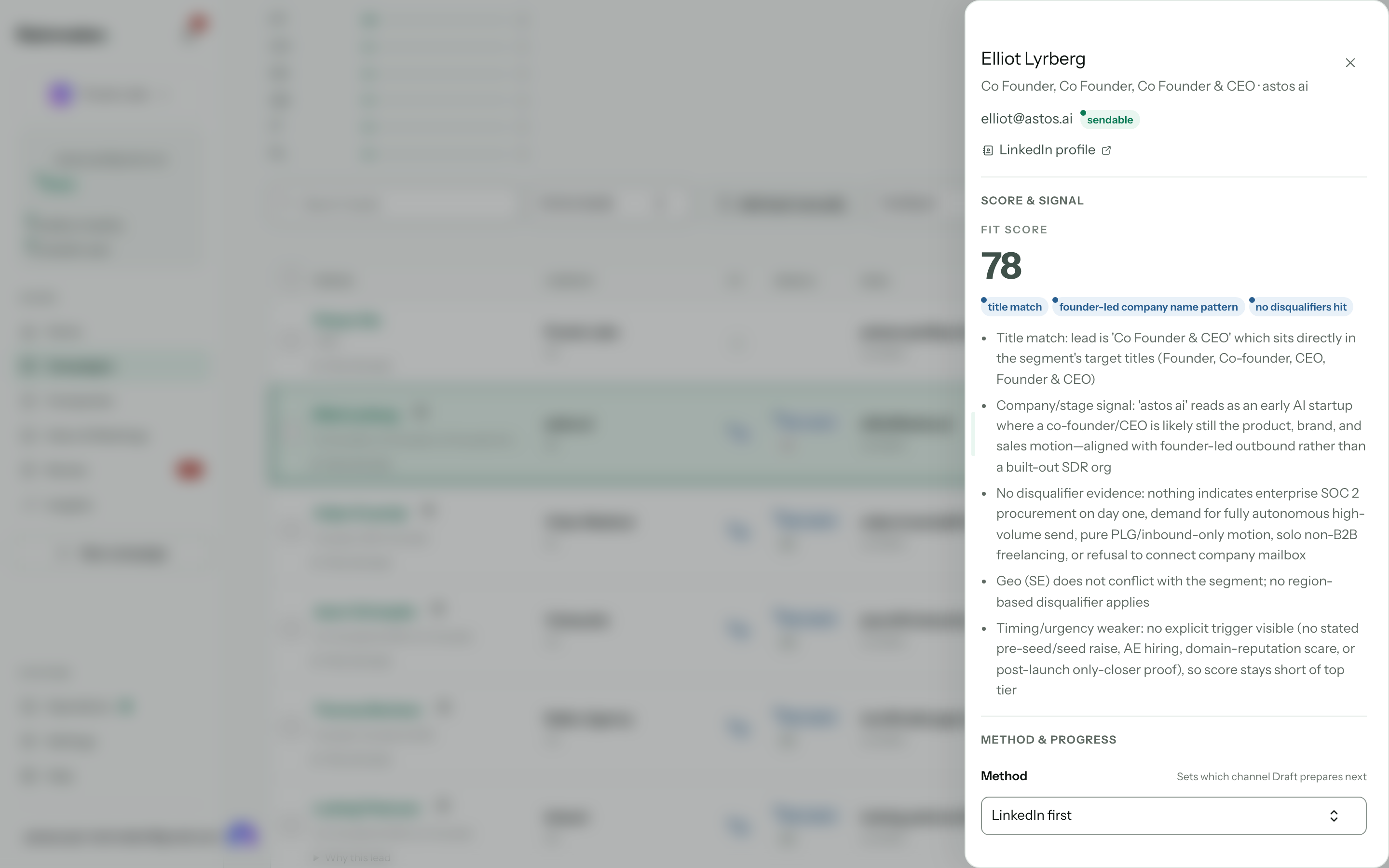
The reasoning behind every score
Open any lead to see why it scored the way it did: the signals and the evidence, not a black-box number.
Drafts with a receipt on every claim
Each factual sentence cites a live source. The guardrail blocks anything unsourced before it can reach you.
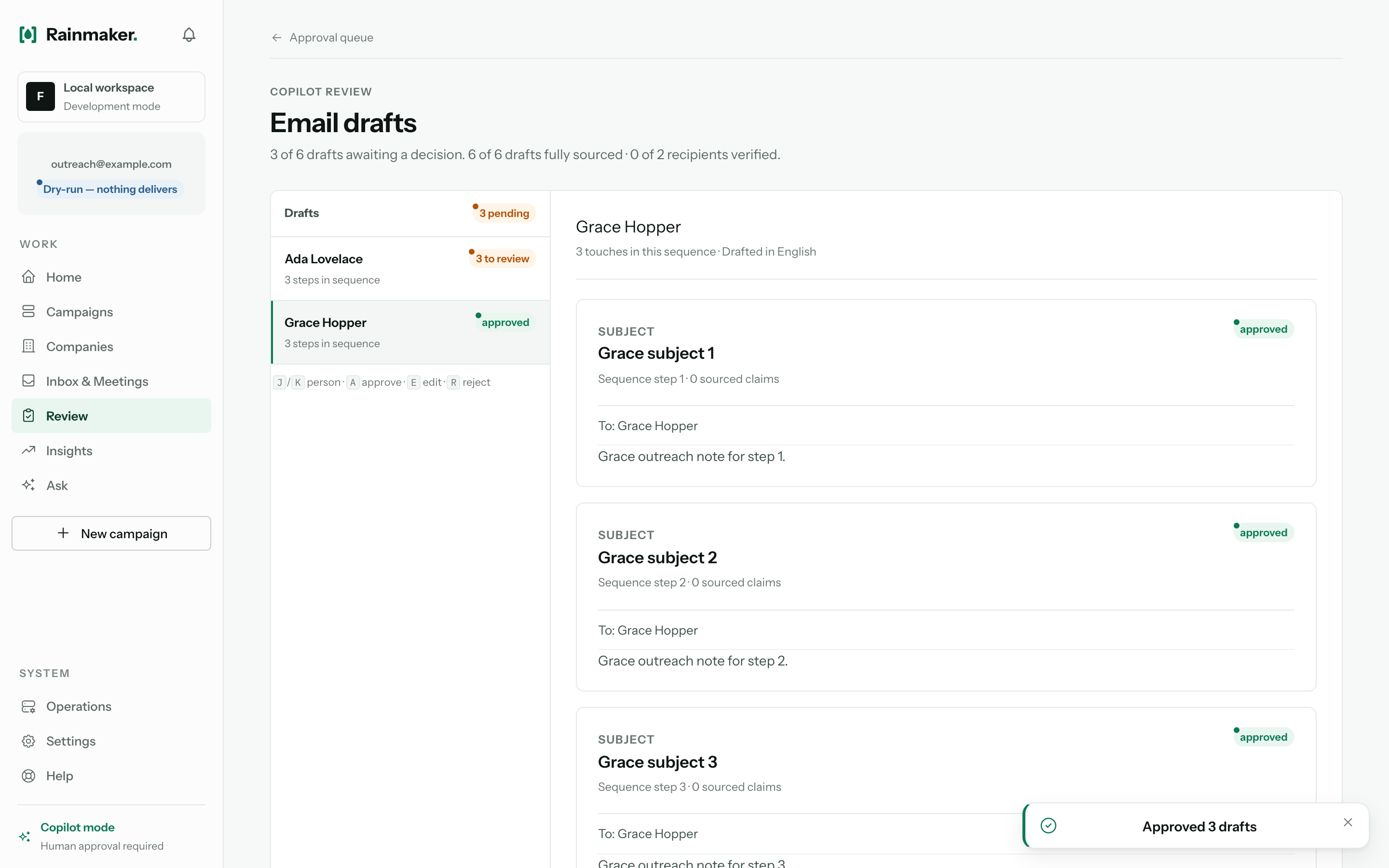
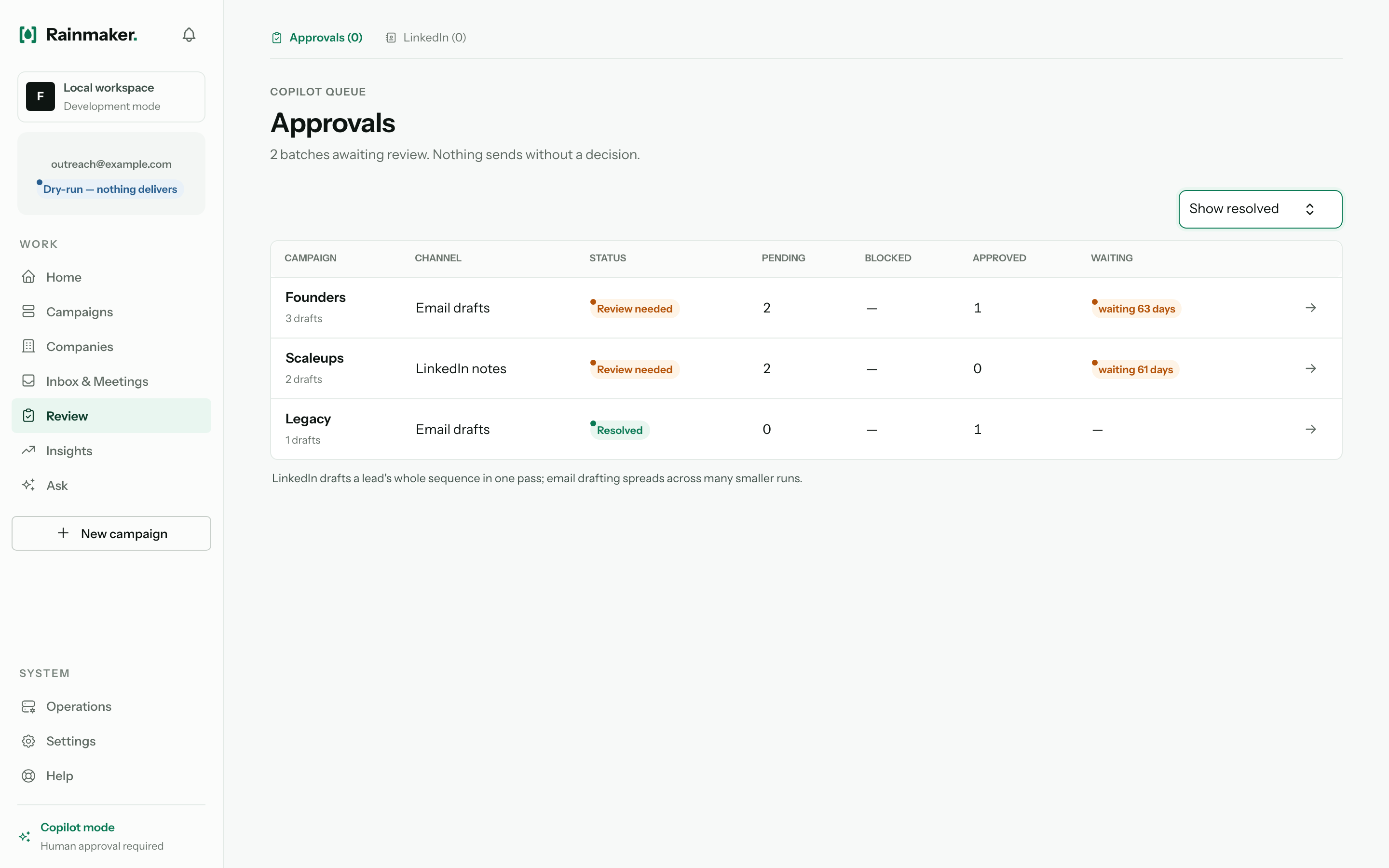
Approve before anything sends
Drafts wait in a review batch. Edit, source, or reject each one; nothing leaves until a human releases it.
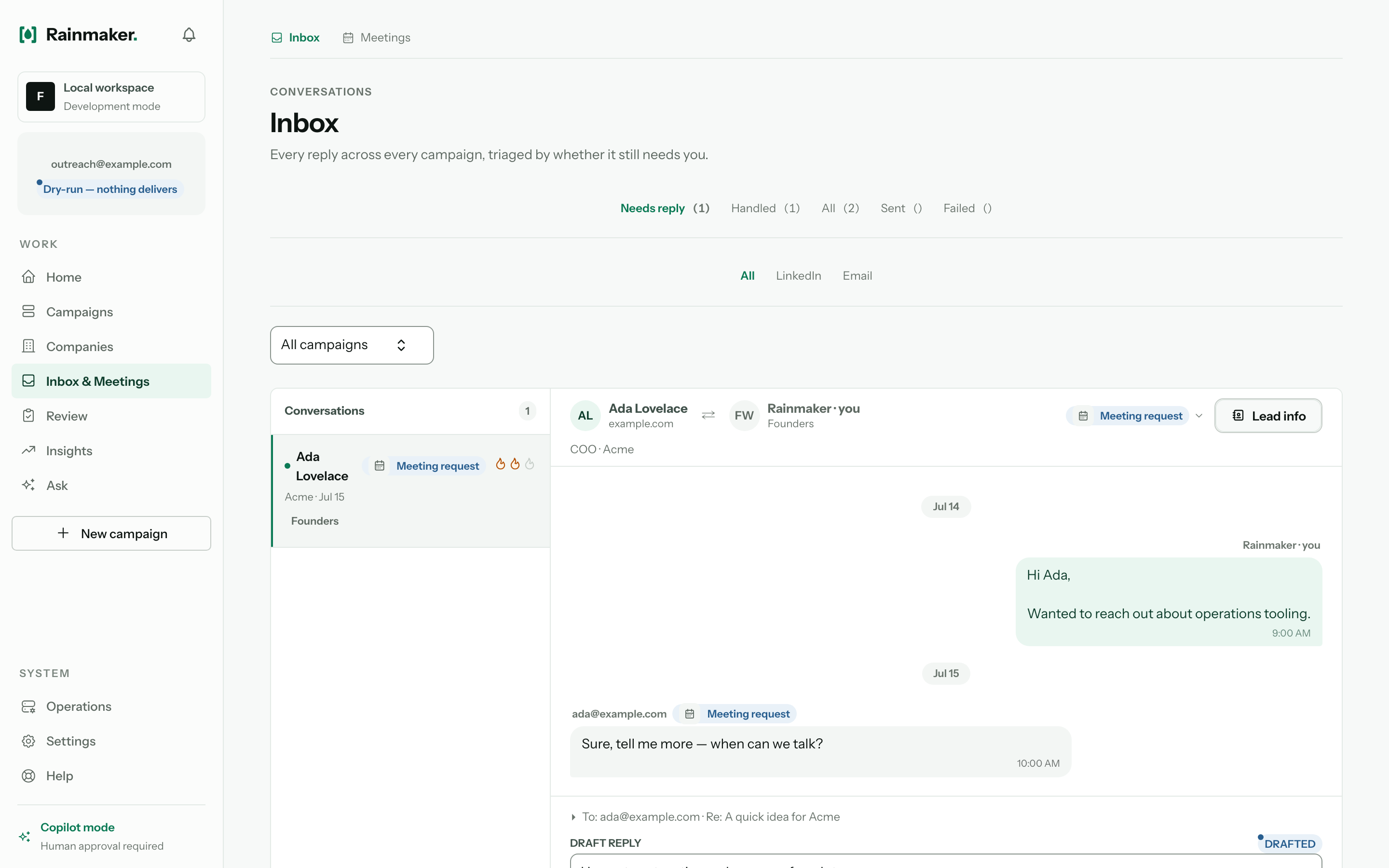
Every reply in one inbox
The whole thread lives here, through to a booked meeting. The assistant drafts each reply; you still approve it.
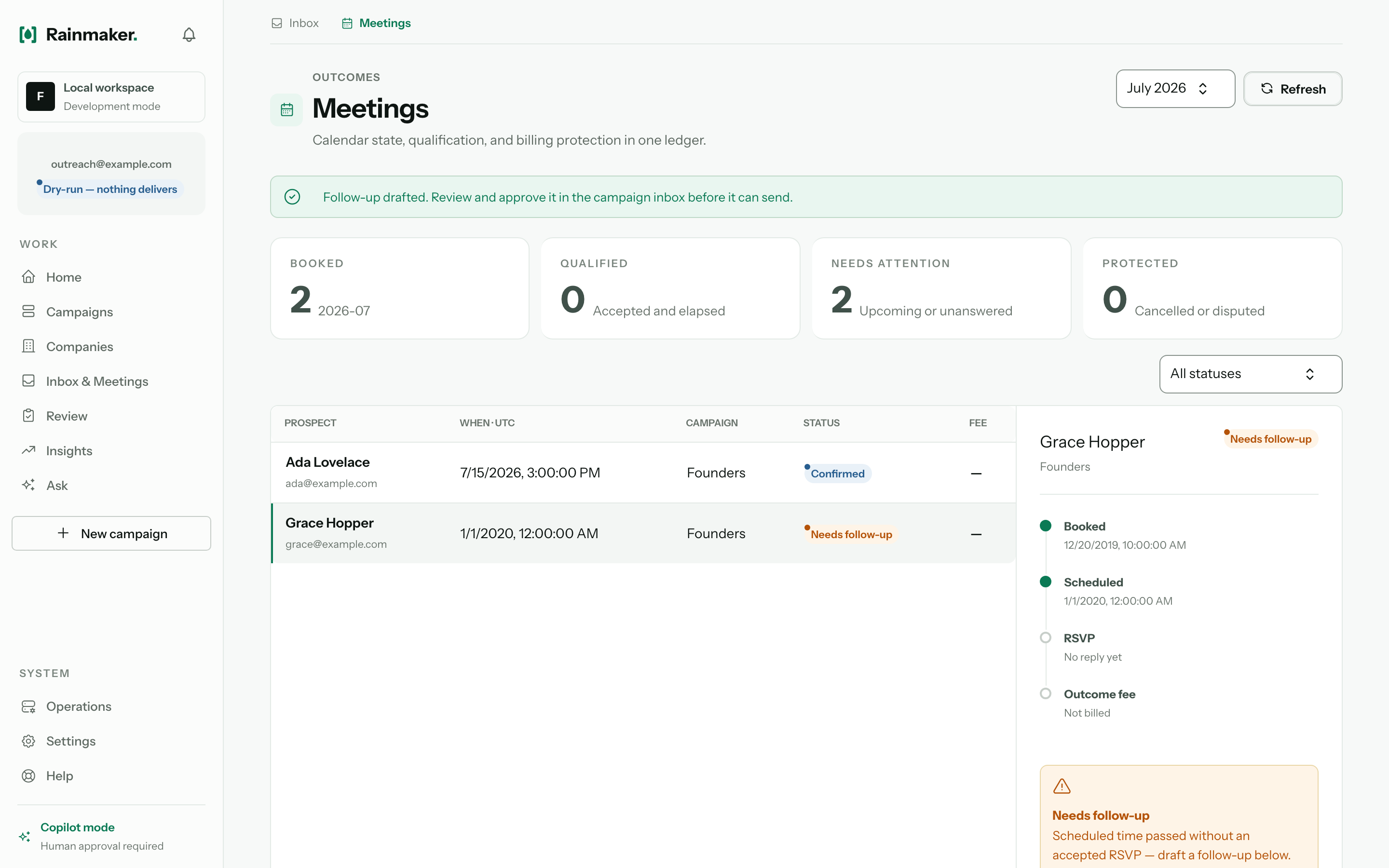
Meetings, tracked to the outcome
Booked, accepted, not cancelled, start time passed: read from the connected calendar, never estimated from opens or clicks.
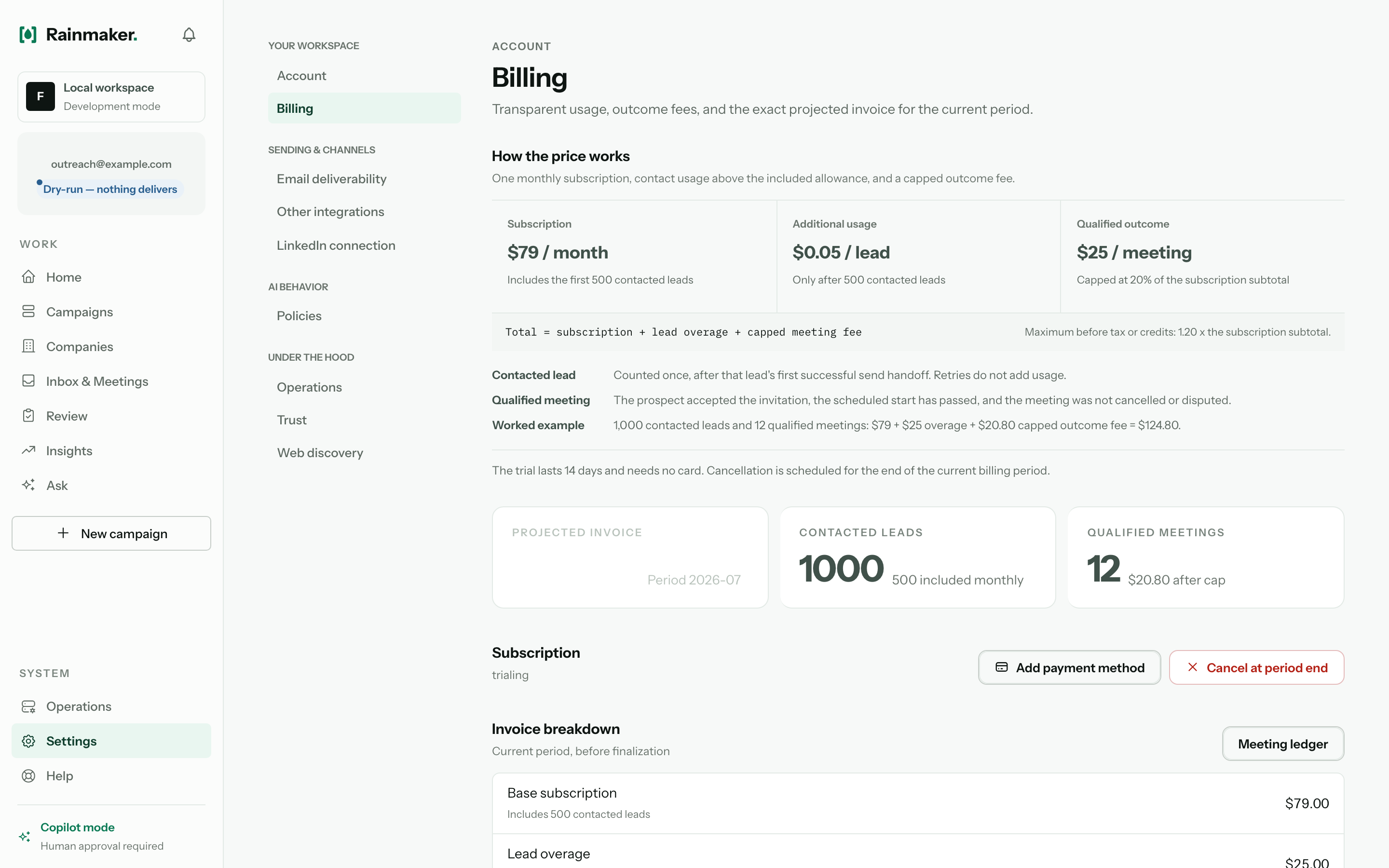
Pay per meeting booked
The outcome fee is tied to a real, verified meeting, and disputable when a meeting was not qualified.
Try it on your own site.
Start the 7-day free trial, paste your website, and follow along.
More tutorials
- How to do prospecting with Rainmaker4 min read
- How to connect your mailbox and LinkedIn account to Rainmaker4 min read
- How to add target companies to a campaign2 min read
- How to add your own ICPs to Rainmaker3 min read
- How to find leads in your own LinkedIn network6 min read
- How to review and approve drafts before they send3 min read
- How to check a draft's sources and a lead's fit score4 min read
- How to edit your campaign sequence in Rainmaker3 min read
- Copilot vs Autopilot: how to choose your approval mode3 min read
- How to handle replies and book meetings in Rainmaker4 min read
- How to invite your team to Rainmaker2 min read
- How meetings are counted and billed in Rainmaker4 min read
- How to read Insights and approve what Rainmaker learns3 min read
- How to set up markets, opt-outs and compliance in Rainmaker4 min read
- How Rainmaker referral rewards work2 min read
- How to find out why an email didn't send in Rainmaker3 min read
- How to send LinkedIn messages by hand with Rainmaker3 min read
- How to fix a blocked draft in Rainmaker3 min read
- How to resume a campaign after Rainmaker pauses it3 min read
- How to manage meetings after they are booked in Rainmaker3 min read
- How to import a CSV of contacts into a Rainmaker campaign2 min read
- How to fix a mailbox or LinkedIn account that stopped working3 min read
- How to connect HubSpot and send replies to your CRM2 min read